Use case
Steer generations with real references.
Use existing project assets or uploads as references so the next image inherits framing, material, and brand cues—without starting from text alone.
From reference to delivery
Reference input

Approved still becomes the next reference.
Output examples
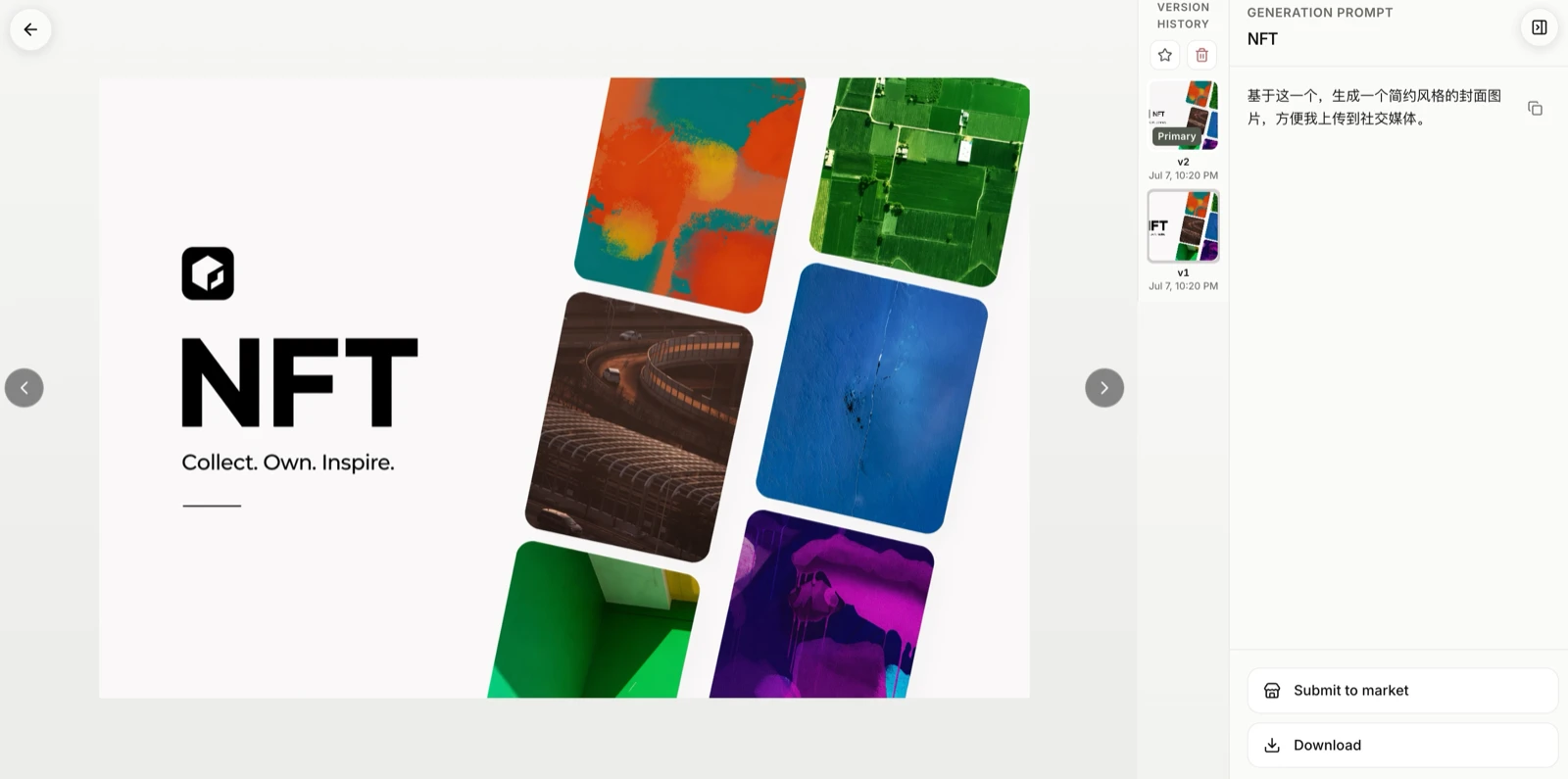
Product lock
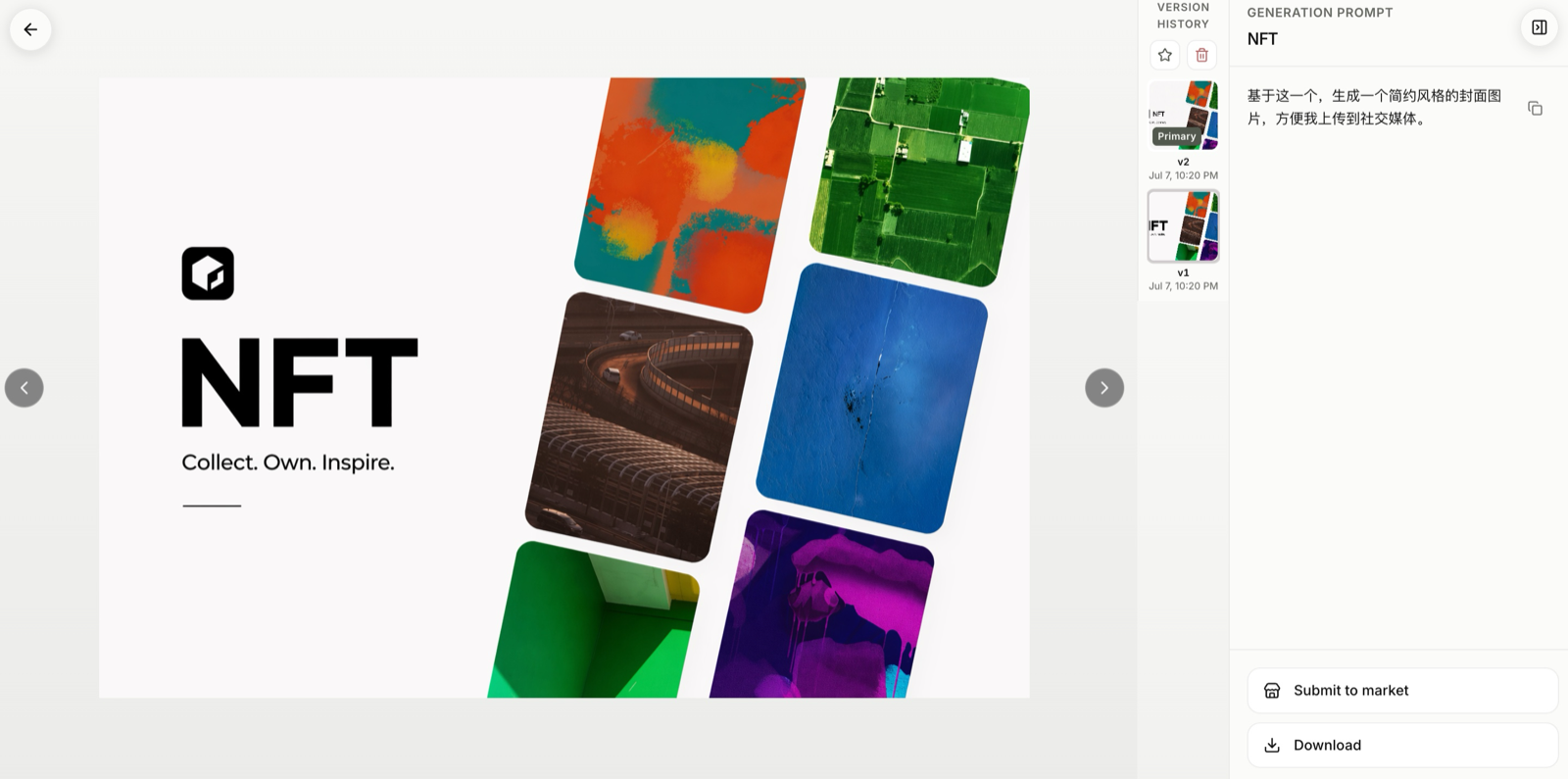
Iterate chain
Per run
3–10 images
Available sizes
Common ratios + custom sizes
Final export
PNG / ZIP
Common friction
- Text prompts alone cannot lock product identity.
- Re-uploading the same reference wastes time and storage.
- Teams disagree which image is the style source of truth.
How Tanumo helps
- Select in-app assets by existing R2 URLs—no redundant reupload.
- Attach multiple references within plan limits.
- Keep approved anchors in the project library.
Workflow
- 01
Pick one or more references from the project or upload new ones.
- 02
Write a brief that describes the change, not a full restart.
- 03
Generate, compare, and promote the best result as the new anchor.
FAQ
Is local mask inpaint supported?
No. Studio in-project edit is image-to-image only; local mask inpaint is not supported.
How many references can I attach?
Multiple references are supported within product limits; exceeding the max returns a clear error.
Do I re-upload every time?
No. Selecting an in-app asset reuses its existing storage key/URL.
Related use cases