Use case
Product images that stay catalog-ready.
Build white-background mains, scene variants, and campaign crops in one project—so your storefront does not depend on a pile of disconnected chat generations.
From reference to delivery
Reference input
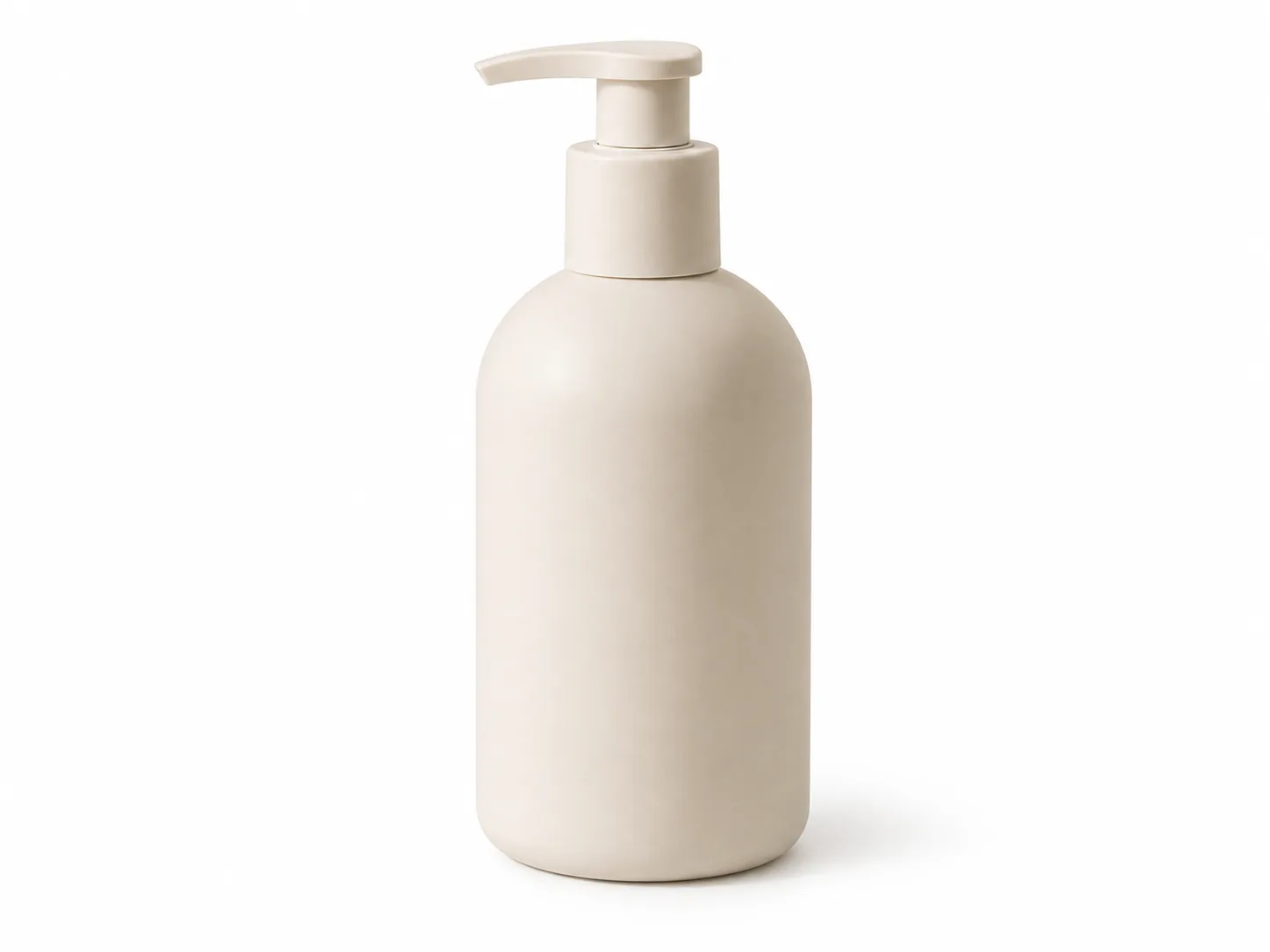
Clean product framing for listings and PDPs.
Output examples

Lifestyle scene

Ad crop
Per run
3–10 images
Available sizes
Common ratios + custom sizes
Final export
PNG / ZIP
Common friction
- Sellers bounce between tools for cutouts, scenes, and crops—and lose brand consistency.
- Reference style resets every session when prompts live in chat history.
- Batching variants for SKUs is slow without a queue and asset library.
How Tanumo helps
- Keep product work inside a project with categories for mains, scenes, and ads.
- Attach reference images so new SKUs inherit framing and lighting language.
- Queue multiple sizes and variants without babysitting each render.
Workflow
- 01
Create a project and choose canvas categories, templates, and output size.
- 02
Upload or pick a product reference, then generate mains and scenes.
- 03
Review in the grid, iterate, and export the set your listing needs.
FAQ
Can Tanumo do white-background product shots?
Yes. Use a clear product brief plus optional reference images; keep white-background and lifestyle outputs in separate categories so the set stays organized.
How do credits work for product sets?
Each generation is priced from prompt length, references, and output size/quality. You see an estimate before submit; purchased and bonus pools cover usage.
Is this local mask inpainting?
Studio edit is image-to-image. For precise local mask inpaint, use an external editor—Tanumo focuses on generation, references, and project assets.
Can I batch multiple SKUs?
Yes. Submit jobs to the generation queue and keep working while results land in the project grid.
Related use cases